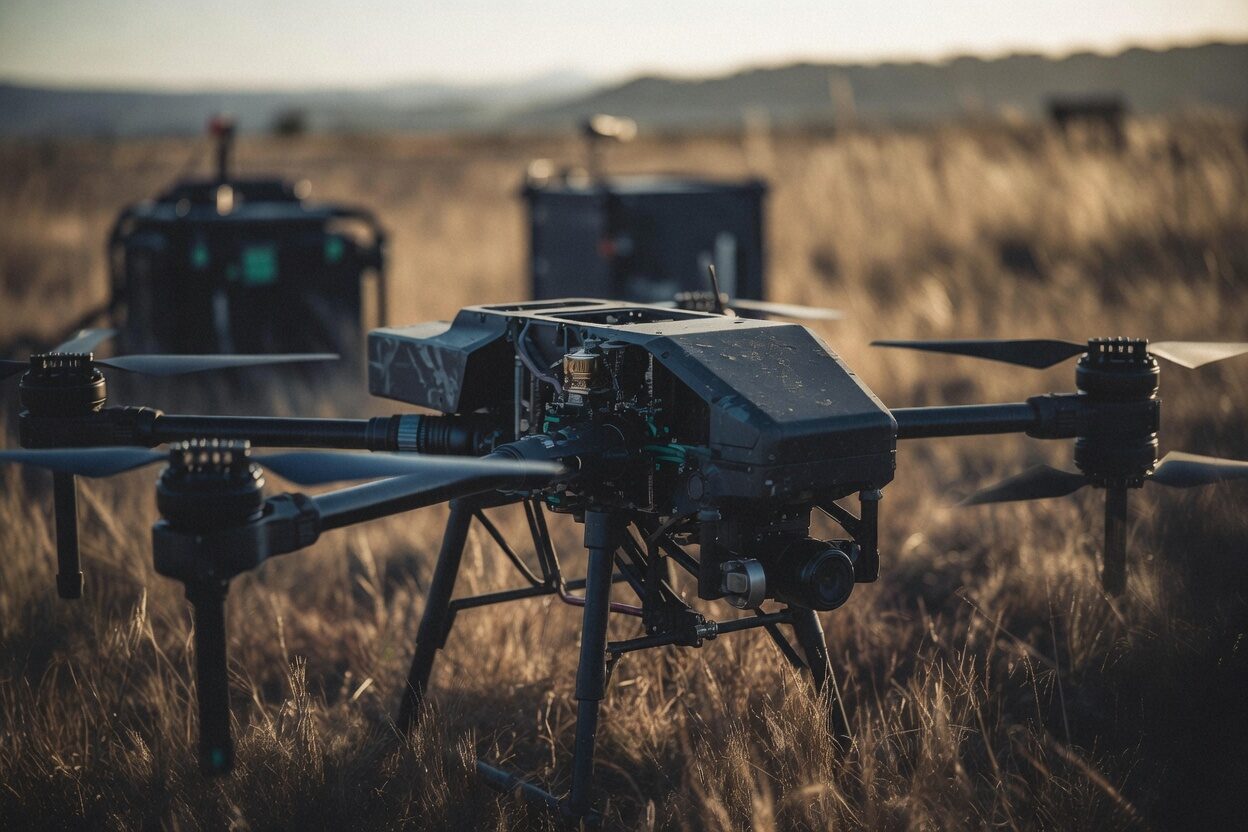
Qualify the one-off.
Your custom heavy-lift rig is a real aircraft, and the production, the insurer and the studio safety officer want its story before it flies over a set. RotorLab gives a fleet of one the same machinery a manufacturer gets: measured performance, a frozen baseline, and a dossier with a code they can check.
14-day trial, no card, for up to 5 people and 3 registered aircraft.

Whatever you fly, qualify it
There is no manufacturer paperwork behind a one-off, so the qualification lands on you. That is exactly what RotorLab hands back.


Measured, not assumed
From the bench to the call sheet in four steps, each reading from the one before.
Size it against real physics
Build the rig in the Builder: motors, props, pack, payload. Thrust margin, hover time and power draw come from published, cross-checked equations, across twenty airframe layouts including coaxial Y6 and X8 heavy lifters.
Measure it
Fly a hover with telemetry streaming and live calibration inverts the model: the figure of merit is measured from your aircraft's own data, and maximum thrust is inferred from the hover, or measured when you add a thrust-stand file.
Freeze the baseline
The finished design freezes as a type: parameters and approved performance, hashed at freeze time. The configuration that got qualified is the one on record, and drift from it is visible.
Keep the record after wrap
Repairs, batteries and every flight keep landing on the same record, so the rig you qualified this season is still the rig on paper next season.
In the product
The calibration that measures the rig, and the public page that checks the math behind it.

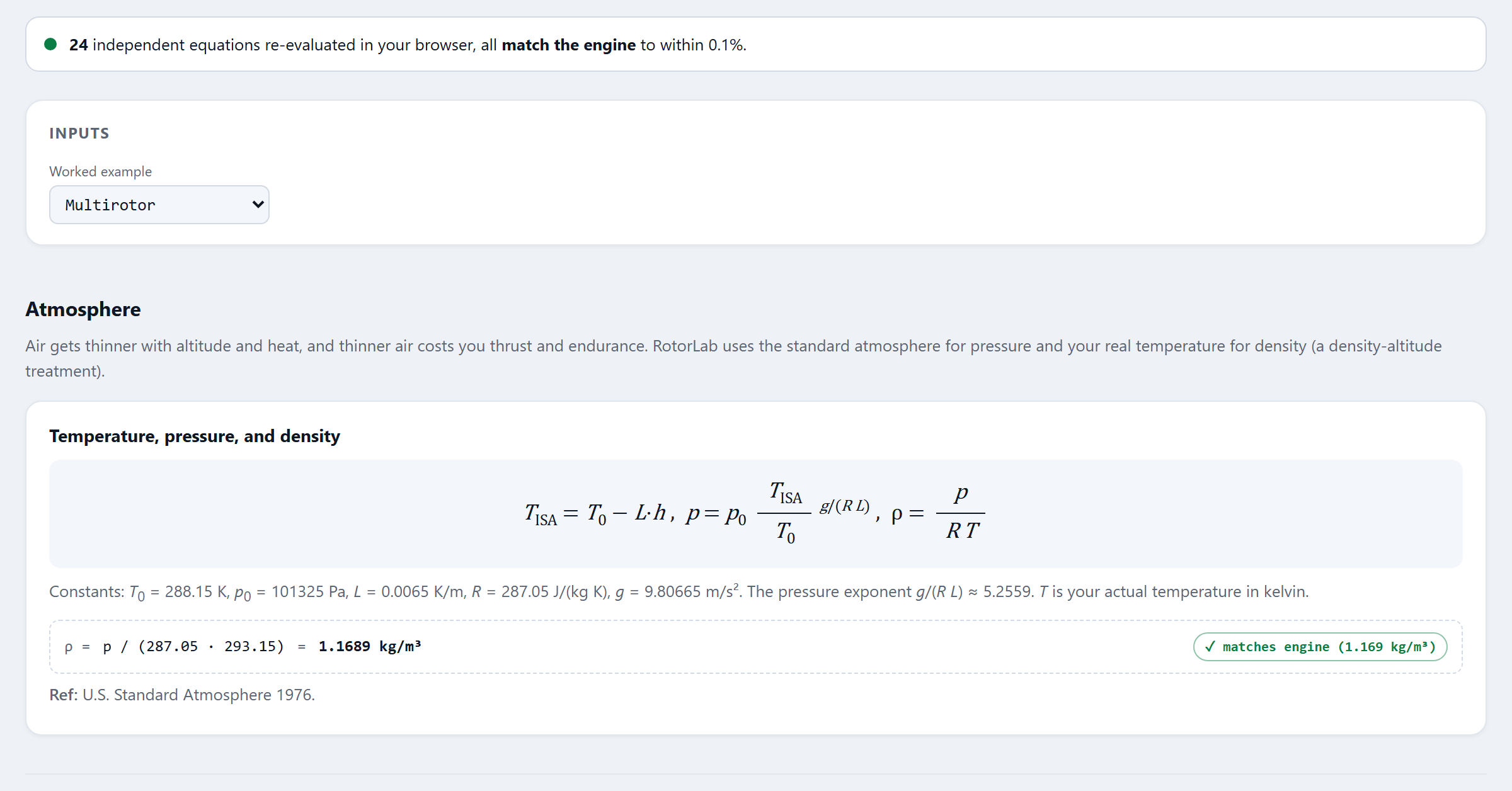
What this page needs: the Builder comes with every plan. Calibration needs the Live Telemetry add-on, and types and dossiers need Fleet Manager, priced per aircraft. Studio includes both; both are on during the 14-day trial, for up to 5 people and 3 registered aircraft. Prices are on the pricing page.
Hand a production a document
The airworthiness dossier renders with the baseline, the measured performance, the declaration matrix you attested (a named person and date on each item, not a digital signature), and a verification code anyone on the production side can check at rotorlab.app/verify.
What the dossier carries
- The frozen baseline: parameters and approved performance
- Measured figures with their basis, hover or thrust stand
- The declaration matrix, with who attested each item and when
- A verification code and a SHA-256 for the file
What it does not claim
RotorLab documents your aircraft's qualification; it does not issue airworthiness approvals. What it gives you is the evidence trail that makes your claim easy to accept.
A fleet of one deserves a real record.
Build your rig this afternoon, fly a calibration hover, and render a dossier before the next call sheet. Flying a whole fleet? Fleet operators have their own page.